
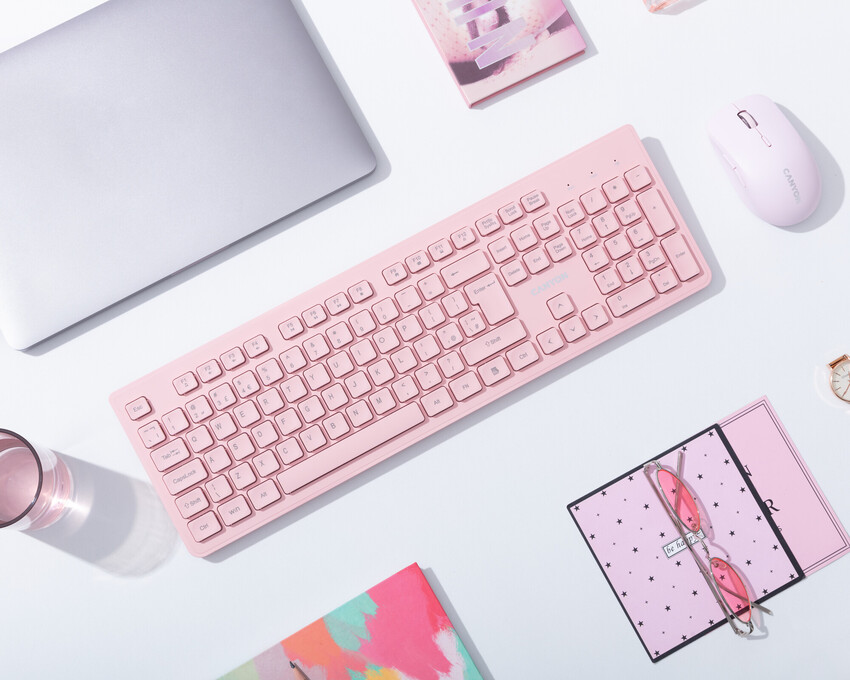
Buying a keyboard becomes confusing when every product page treats more features as automatically better. The useful starting point is simpler: decide how the device will serve typing, gaming, coding, office work, and long daily computer sessions, then compare only the specifications that affect those jobs. Price still matters, but so do comfort, support, compatibility, and the cost of owning the product for several years. Shoppers who want more background can consult useful tech references, but the final decision should stay tied to real usage rather than hype.
Five Keyboard Brands for Different Typing Styles
A practical comparison begins with layout, switch feel, wrist position, key travel, wireless needs, noise, and software features. Those factors create a much clearer shortlist than sorting by the newest model or the biggest headline number. The five companies or buying channels below represent different approaches to the category. They are not ranked from best to worst; use them as reference points for matching features, support, and ownership tradeoffs to your own priorities.
1. Logitech
Logitech offers low-profile productivity boards, ergonomic layouts, gaming keyboards, and multi-device wireless options. It is a useful brand to compare when comfort and cross-device switching matter more than mechanical customization.
2. Keychron
Keychron is popular with buyers who want mechanical keyboards, Mac and Windows compatibility, and a wide choice of layouts. Shoppers should compare switch type, height, wireless mode, and whether hot-swappable switches are actually useful for them.
3. Razer
Razer targets gaming with mechanical and optical switches, lighting, software integration, and compact layouts. Those features can be useful for players, but office typists may care more about noise, key feel, and wrist comfort than gaming software.
4. Corsair
Corsair provides gaming-oriented mechanical keyboards with varied sizes, media controls, and software features. It makes sense to compare its boards when you want a traditional gaming setup, especially if other Corsair peripherals are already part of your desk.
5. SteelSeries
SteelSeries focuses on gaming keyboards with compact and full-size options, adjustable features on select models, and ecosystem software. Buyers should decide whether rapid input features will be used or whether a simpler board would provide the same comfort for less money.
Choose for Your Hands, Desk, and Daily Typing
Before paying, write down the three tasks the keyboard must handle well and the two frustrations you most want to avoid. That simple list keeps optional extras from becoming false requirements. Use keyboard buying context as supplementary reading, then verify the exact model, warranty, compatibility, and return terms with the seller or manufacturer before checkout. If two options meet the same core need, prefer the one that is easier to own: simpler support, appropriate capacity, sensible accessories, and fewer compromises you will notice every day.
A second useful test is to compare the total setup rather than the product alone. Accessories, subscriptions, adapters, replacement parts, service plans, and future upgrades can change the real cost. Buying a slightly less ambitious device can be smarter if it avoids expensive add-ons or gives you a better fit for your routine.
Frequently Asked Questions
Are mechanical keyboards better for everyone?
No. Mechanical boards offer distinct switch feels and replaceable options on some models, but they can be taller, louder, and more expensive. Scissor-switch and low-profile keyboards can be excellent for users who prefer quiet typing and a familiar laptop-like feel.
What keyboard size should I choose?
Full-size boards include a number pad, while tenkeyless and compact layouts free desk space for mouse movement. Choose based on the keys you use daily. Removing keys for a cleaner desk is not helpful if you constantly reach for missing shortcuts or numbers.
How do I judge keyboard comfort before buying?
Look at key height, switch resistance, wrist angle, board thickness, and layout. If possible, type on the keyboard for several minutes. Comfort is about repeated motion over hours, so a short specification list cannot fully predict how your hands will feel.
Make Typing Comfort the Priority
The strongest buying decision is the one you can explain in plain language: what problem the product solves, which features matter, and which features you deliberately ignored. Buy the keyboard your hands will appreciate after three hours, not the one that looks most exciting for three minutes. If you want another perspective before spending, desk setup guidance can support your comparison, but the last check should always be your own workload, budget, and tolerance for compromise.